 |
|||
 |
|||
 |
 |
 |
|
 |
|
 |
 |
 |
|||
 |
|||
 |
|||
 |
 |
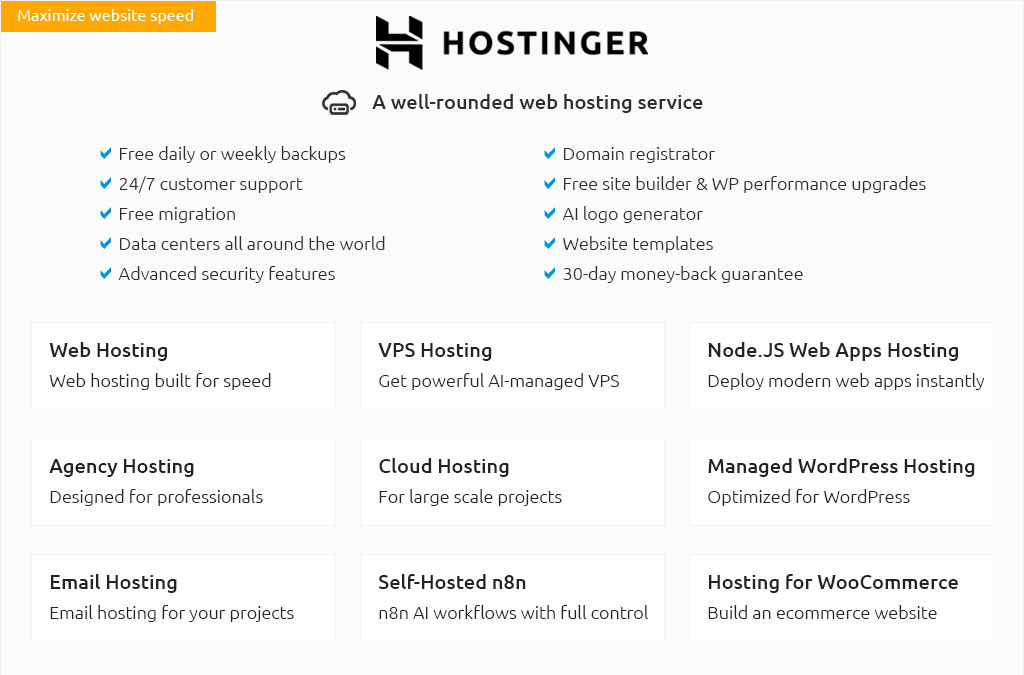
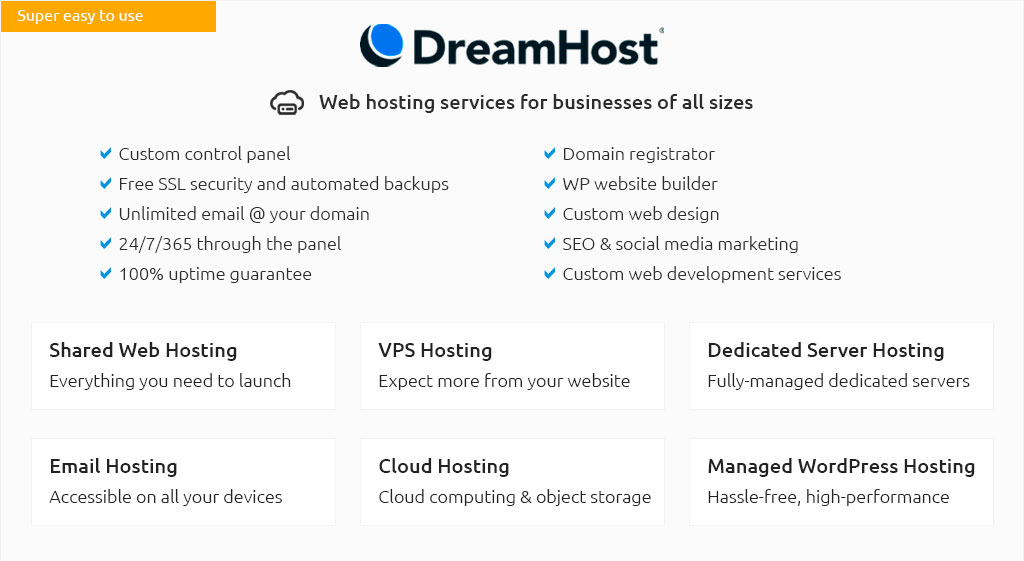
How to Set Up a WordPress Blog Easily and EffectivelySetting up a WordPress blog is a fantastic way to share your thoughts, showcase your work, or even start a business online. This guide will walk you through the essential steps to get your blog up and running. Choosing Your Domain and HostingThe first step in starting a WordPress blog is choosing a domain name and hosting provider. Your domain name is your blog's address on the web, while hosting is where your blog lives. Picking a Domain NameChoose a domain name that reflects your blog's content and is easy to remember. Consider using keywords that define your niche. Selecting a Hosting ProviderFor beginners, shared hosting is a cost-effective choice. If you plan to grow your blog, consider a reliable VPS hosting option for better performance and flexibility. Installing WordPressOnce you have your domain and hosting, the next step is to install WordPress. Most hosting providers offer one-click WordPress installation, making this process quick and easy.
Choosing a ThemeYour WordPress theme determines the look and feel of your blog. There are thousands of free and premium themes available. Customizing Your ThemeAfter selecting a theme, customize it to suit your brand. You can change colors, fonts, and layouts to make it your own. Adding Essential PluginsPlugins extend the functionality of your WordPress blog. Here are a few must-have plugins:
Don't overload your site with plugins, as this can affect performance. Creating ContentNow that your blog is set up, it's time to create content. Start by writing high-quality, engaging posts that provide value to your readers. Consider a content calendar to organize your posting schedule. For those on a budget, consider cheap domain name and hosting options to keep initial costs down. FAQWhat is the best hosting option for a WordPress blog?For beginners, shared hosting is affordable and easy to manage. As your blog grows, you might consider upgrading to VPS hosting for better performance. How much does it cost to start a WordPress blog?The cost varies depending on your domain, hosting, and any premium themes or plugins you choose. However, it can be as low as a few dollars a month for basic hosting and domain registration. Can I switch themes after my blog is live?Yes, you can change your theme at any time. However, make sure to preview changes and back up your site before switching to avoid any potential issues. https://www.wpbeginner.com/start-a-wordpress-blog/
In this guide, I'll walk you through every step of creating a blog, from choosing the right platform to designing your site and publishing your first post. https://www.reddit.com/r/Wordpress/comments/13s77y5/any_guide_as_to_how_to_make_a_blog/
I want it to be a gaming blog site. Something I can easily scale/grow with content and SEO. But I'm having a hard time understanding how I want it to look. https://wordpress.com/support/five-step-blog-setup/
Run through these five steps to make sure you love how your blog looks so you can feel proud to share it with others.
|
